CKEditor 4.19 with improved accessibility, new memory management option, and bugfixes
We are happy to announce another major release of CKEditor 4. CKEditor 4.19 comes with important accessibility changes making screen-readers more reliable.
Categories

CKEditor 4.19 with improved accessibility, new memory management option, and bugfixes
We are happy to announce another major release of CKEditor 4. CKEditor 4.19 comes with important accessibility changes making screen-readers more reliable.

CKSource is acquired by PSG, a growth equity firm
CKSource, the company behind CKEditor, has been acquired by PSG, a growth equity firm that partners with software and technology-enabled services companies to help accelerate their growth. We have always been committed to provide a future-proof product ecosystem to our diverse and digital-forward customer base, and with the support of PSG, we will continue to do just that, on a larger scale.

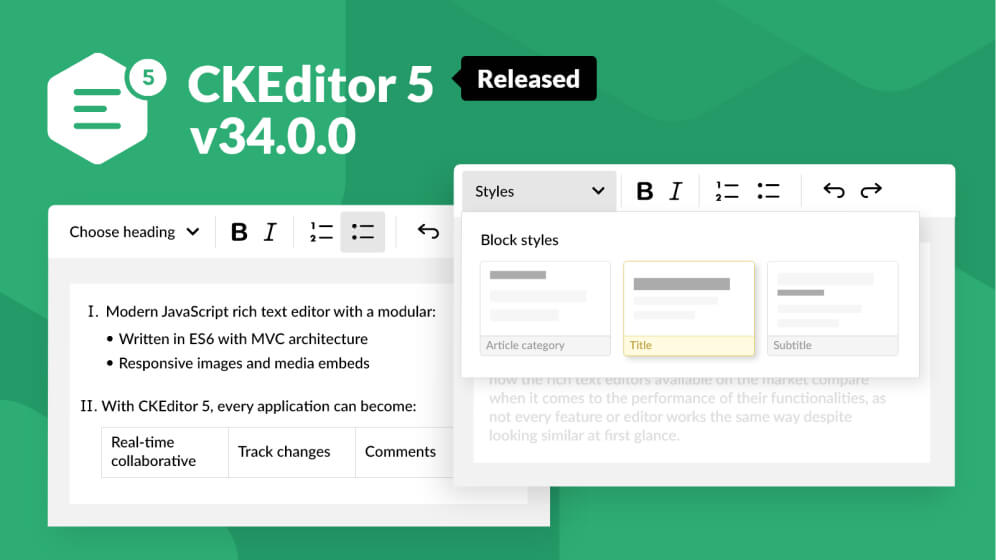
CKEditor 5 v34.0.0 with redesigned lists, new styles implementation and extended DLL builds
The latest release brings new important changes for lists and content styling. The DLL builds encompass Revision history, while several other upgrades make the editor more reliable, stable, faster, and safer to work with overall.

CKEditor 5 v33.0.0 with improved conversion system and DLL builds for collaboration features
CKEditor v33.0.0 brings in an improved and extended conversion/reconversion system. The revision history feature is now compatible with real-time collaborative editing and the collaboration features are available in DLL builds. There were also improvements in the General HTML Support feature and several important bug fixes.

CKEditor 4.18 browser bugfix and security patches
CKEditor 4.18 comes with important security fixes for the HTML processing core module and dialog plugin and a browser patch. We have also decided to make the WebSpellChecker Dialog plugin obsolete due to its end of life. Check out CKEditor 4.18 and find out, what was improved!

Revision History now available with Real-time Collaboration in CKEditor 5
For a long time, the Real-time Collaboration feature served our users in the best way possible. It did this, by allowing them to comment and edit content together in a rapid development environment. The same goes for Revision History – a versioning tool that became a user favorite from day one. Now we are bringing both of these great features together in one package!

CKEditor 4.17.2 with improved support for dragging and dropping images inside a table, content editing improvements, and Paste From Word plugin fixes
CKEditor 4.17.2 comes with another great opportunity to keep the editor up to date - dragging and dropping images has been enabled for tables using the Table Selection plugin!

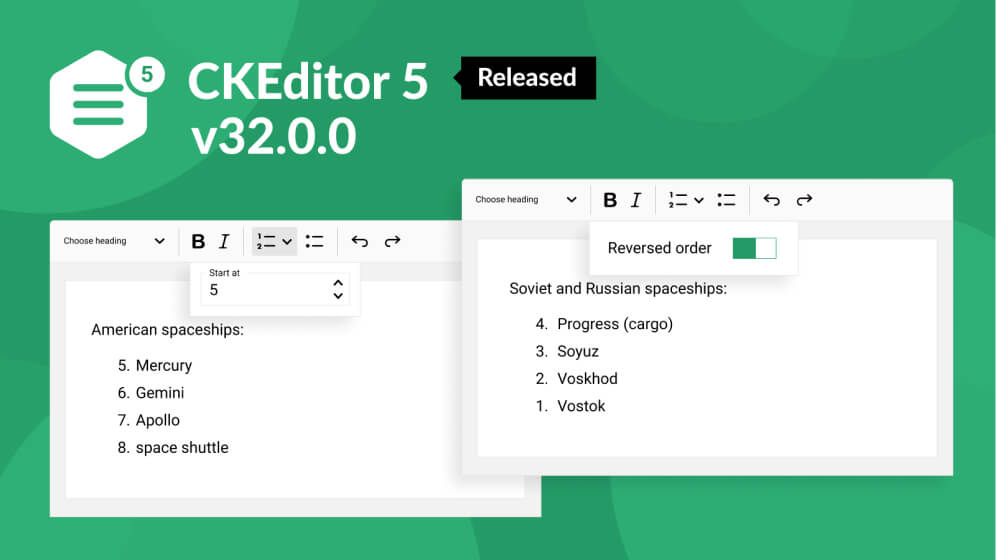
CKEditor 5 v32.0.0 with new list properties, support for the <script> tag and enhanced mentions
Boost your ordered lists by starting them from a chosen value or reversing their order; mention people by their full names thanks to the support for spaces into hashtags; unleash the full interactive potential of your content thanks to scripts; and check out the brand new editor example showcasing a bottom-located toolbar with formatting buttons grouped!

CKFinder 3.5.3 for PHP released
We would like to announce that CKFinder 3.5.3 has just been released. This is a maintenance release and covers the CKFinder for PHP. Aiming at stability and uninterrupted operation, we have made the following improvements to CKFinder.

CKEditor 4.17 with enhanced Base64 images support, delayed editor initialization, and security fixes
We are happy to announce the release of CKEditor 4.17.0. In this major release, we are introducing a highly requested feature allowing developers to reattach the editor to the HTML DOM and delay its initialization. This release also comes with improved Base64 images support for clipboard operations, discontinued support for Flash plugin, and other enhancements prepared by both CKEditor 4 team and our lovely community!

CKEditor 4.16.2 with browser improvements and security fixes
We are happy to announce another maintenance release of CKEditor 4. Several browser-related issues were revisited and some other important bug fixes were introduced, too. Also, important security patches were rolled out. And to top all the changes, a React 2.0.0 integration was recently released. Check out CKEditor 4.16.2 and find out, what was improved!

CKEditor 4 React integration 2.0.0 with React 17 support
CKEditor 4 React integration 2.0.0 provides deep integration of CKEditor 4 and React that lets you use the native features of the WYSIWYG editor inside a React component.

CKFinder 3.5.2 released
We would like to announce that CKFinder 3.5.2 has just been released. This is a maintenance release and covers all currently maintained CKFinder versions — PHP, ASP.NET and Java.

CKEditor 5 v29.0.0 with boosted images, find and replace and the source editing feature
The totally revamped image feature, supporting block and inline images, will bring more colors and fun into your rich content. The ability to edit the HTML source will give you more control over it hand in hand with the highly anticipated search and replace functionality. The General HTML Support will help advanced users expand the capabilities of the editor while a set of new user guides will aid them on the journey through all the newly introduced enhancements. There is also support for multi-root editors in revision history as well as new user permissions for collaboration features — CKEditor 5 v29.0.0 has it all!

Revision History is officially live - CKEditor 5 v28.0.0 released
CKEditor 5 v28.0.0 brings the long-awaited Revision History feature. It is a top-class document versioning tool that allows the users for full control over the editing process. The table feature was expanded with support for captions as well as default table and table cell styles. The integrators and plugin creators will appreciate the new metadata for npm packages and the documentation of the HTML output of the editor features. Improvements were done to the export features and schema definition. Some bug fixes were included, too.

CKEditor 5 v27.0.0 with drag and drop, text part language and bubbling events
The newest release arrived, packed with new features, some improvements, fixes and a security patch. The long-awaited drag and drop functionality is here, covering textual content, widgets as well as HTML and plain text dropping from outside the editor. Language features have been expanded with the ability to set specific language to a selected part of the text and there were improvements to the text-align feature as well as the to-do list feature. And there is still more!

CKFinder 3.5.1.2 for PHP released
We would like to announce that CKFinder 3.5.1.2 for PHP has just been released. This is a maintenance release that adds support for PHP 8 and updates multiple third-party libraries. We have also added support for Laravel 8 and Symfony 5 in their official CKFinder integration packages.

CKEditor 5 v24.0.0 with multiline toolbar and accessible input labels
Working hard on creating content? Fair enough. We will make your work comfortable, with easy access to all the features you need. Welcome to our newest batch of UI enhancements: the multiline (wrapping) toolbar that you all asked for and the accessible input labels on interface items! Not convenient enough? Upload images by pasting their URL, track changes for pasting table styles, integrate with Vue.js 3, use Markdown shortcodes… Simply put - write well, edit well, stay well.

CKEditor 5 v23.1.0 with raw HTML embedding, reconversion API and pasting tables into tables with track changes
New, advanced features are coming onboard. Embedding arbitrary HTML opens new possibilities for webmasters, while the reconversion introduced in CKEditor v23.1.0 is a great step toward easier, more reliable handling of the downcast conversion process. Pasting tables into tables in track changes mode, documentation updates and a new release of the React component will also, hopefully, please the CKEditor community.

CKEditor 5 v23.0.0 with pagination feature, list styles and improved image upload
Improved plain text pasting coupled with a new pagination feature that lets you control the structure of your output and autolink added to editor builds bring forth an overall excellent experience in WYSIWYG editing. This release also brings enhancements to list styles and image upload. What you edit has never looked so good and so very much exactly the way you want it. Meet CKEditor 5 v23.0.0!

The best way to export your WYSIWYG editor text content to PDF and Word file formats
The CKEditor export to PDF and export to Word features are now out of beta. Harness the power of the world’s most popular document file types with these integrated solutions — WYSIWYG editor plugins and a SaaS or on-premises converter service with a REST API. Print, send and store your HTML content any way you want with a single click. Try it now!

CKEditor 5 v22.0.0 with inserting images via URL, list styles and Markdown plugin
The newest CKEditor 5 is here and it brings a plethora of changes and improvements. There is a new easy way to add images to your documents and you can choose from a variety of list item markers available. The export to PDF and Word features are now out of beta and a new pagination feature is coming soon. Hopefully, all these changes will increase your content creation productivity.

How to print WYSIWYG editor content to PDF - Export to PDF feature released
We are happy to announce the official launch of the new export to PDF feature for CKEditor 4 and CKEditor 5. This feature allows you to easily print the content of your WYSIWYG editor to a PDF file. What’s more, the generated PDF document will preserve not only the rich-text content that you create in the editor, but also its structure and styling. Read on for more information!

CKEditor 5 v19.1.1 with table enhancements, typing around widgets and print to PDF feature
We are happy to announce the release of CKEditor 5 v19.1.1 that introduces further enhancements for the table feature, improved typing around widgets as well as the new PDF export feature. In addition to that, we focused on the adjustments of the editor’s development tools to the newly adopted monorepo infrastructure. Read on for more details about these and other improvements!
No entries