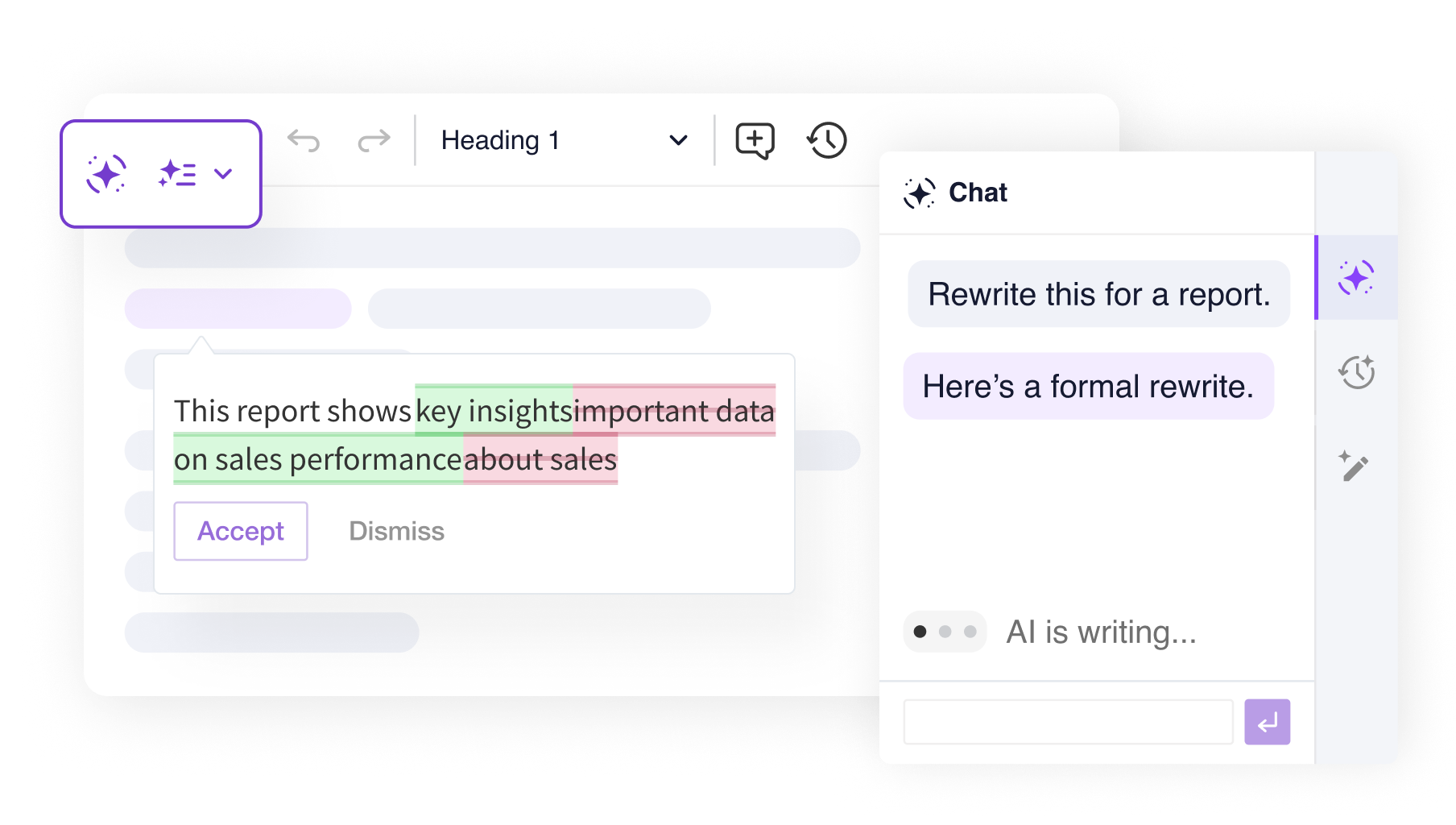
All four features run directly in the Classic editor via a side panel – no separate tool or window needed. Select a tab below to try each one live.
An example setup combining CKEditor AI with the Classic editor. Chat with AI, review your writing, and apply Quick Actions, all in a familiar editing experience. For the full range of AI and editor features, visit the full-featured AI demo.
Explore the AI Chat side panel to ask questions, generate content, and fill templates using real data. Use chat shortcuts to jump straight into common tasks that pull results through web search, or attach your own context from the dropdown to ground AI responses in your source data. Switch between conversations with chat history. For the full range of AI features, visit the full-featured AI demo.
Select any text and apply instant AI transformations: rewrite, fix grammar and spelling, change tone, adjust length, translate, or continue writing. Use the hints in the content below to try each action hands-on. For the full range of AI features, visit the full-featured AI demo.
Run predefined reviews like Proofread, Improve clarity, or Adjust Tone. You can also enter a custom command for any specific check. The Company style guide shown here is an example of a custom, integrator-defined review preset, and you can create your own to match your organization's standards. For the full range of AI features, visit the full-featured AI demo.
Translate your entire document into any supported language with a single click. AI analyzes the content and proposes translations shown directly in the editor, while the original text appears in the sidebar for easy comparison. Review them side by side, and accept the translation when you're satisfied. For the full range of AI features, visit the full-featured AI demo.
Explore AI Chat connected to Airtable through MCP to ask questions, retrieve records, and use real business data directly in the editor. Fill templates and ground responses in structured external data without leaving the editing experience. For the full range of AI features, visit the full-featured AI demo.
An example setup combining CKEditor AI with the Balloon Block editor and a custom panel. Instead of a fixed sidebar, every AI tool is available from a floating assistant button in the bottom-right corner . Click it to open a compact panel with Chat, Quick Actions, and Review as horizontal tabs. For the full range of AI features, visit the full-featured AI demo.
This demo contains just a small subset of available CKEditor features. You are free to add more features to CKEditor regardless what editor type/toolbar you choose.
Read more about the AI capabilities in the documentation.
Check the source code for this demo.