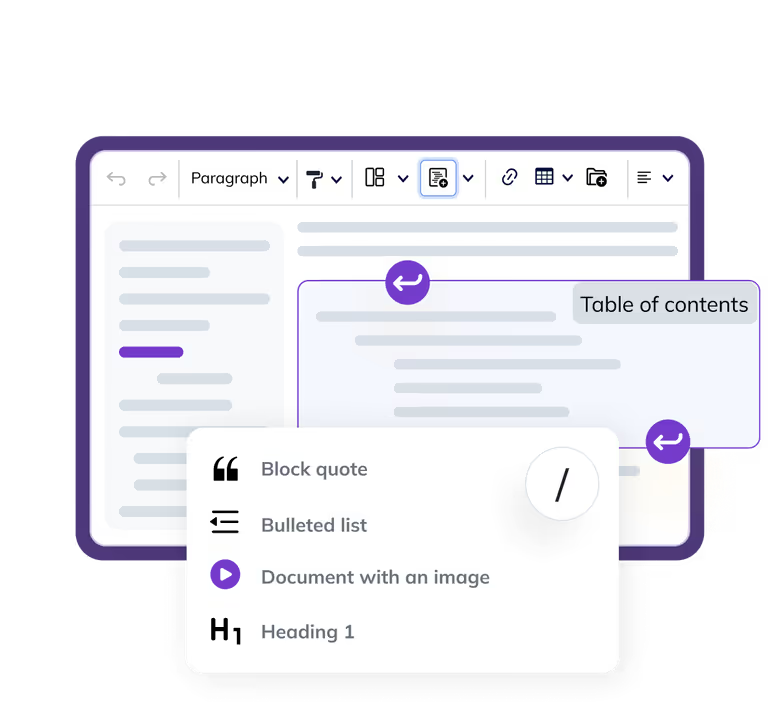
You can find Templates, Find and Replace, Case Change, and Format Painter in the toolbar. Don’t forget to type / to display the Slash Commands dropdown or paste from Word or Excel to see Enhanced Paste in action!
Loading...
Note
This is just an example implementation with selected CKEditor features. How the editor looks, how the document outline is displayed, and which features are enabled is all up to you.
This demo uses Document UI. If you wish to try out other user interfaces, you can check out additional different user interfaces demos.
This demo only showcases a few some of the available Productivity features. Other demos that showcase Productivity features are: