
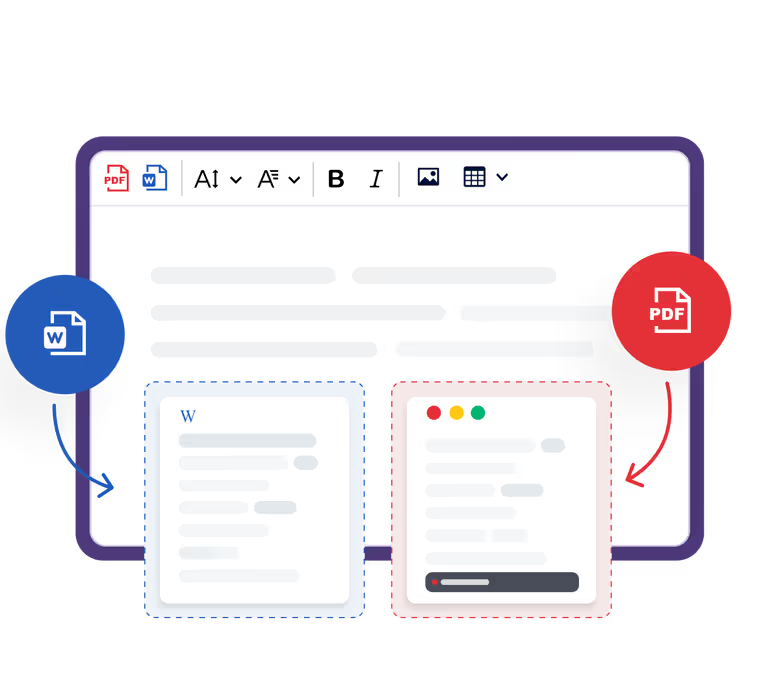
Need to quickly print out or email your documents?
Convert them to the two most popular formats with a single click. The exported file will have the same look and styling as the original content.

Click to generate a PDF or a Word file.

Download and print out.
CKEditor adds page break elements to your content for smooth transitions between pages. Ensure that the inserted page breaks meet your specifications for the exported file, add more manually if necessary. Then, convert your content into the desired format by clicking the Export to Word or Export to PDF button.
Loading...
CKEditor adds page break elements to your content for smooth transitions between pages. Ensure that the inserted page breaks meet your specifications for the exported file, add more manually if necessary. Then, convert your content into the desired format by clicking the Export to Word or Export to PDF button.
Currently the pagination feature works best with the following web browsers: Chrome, Chromium, latest Edge, latest Opera. It disables itself in other browsers. Read more about browser support in the documentation.
Loading...
Tailored to your needs
Both export features are available either as SaaS or an on-premises solution and can be integrated in two ways
As a plugin for CKEditor, so your end-users can generate PDF or Word documents in your editor.
As a REST service to convert HTML to PDF or Word documents using the API (e.g. to create PDF or Word files from content saved in the database).


