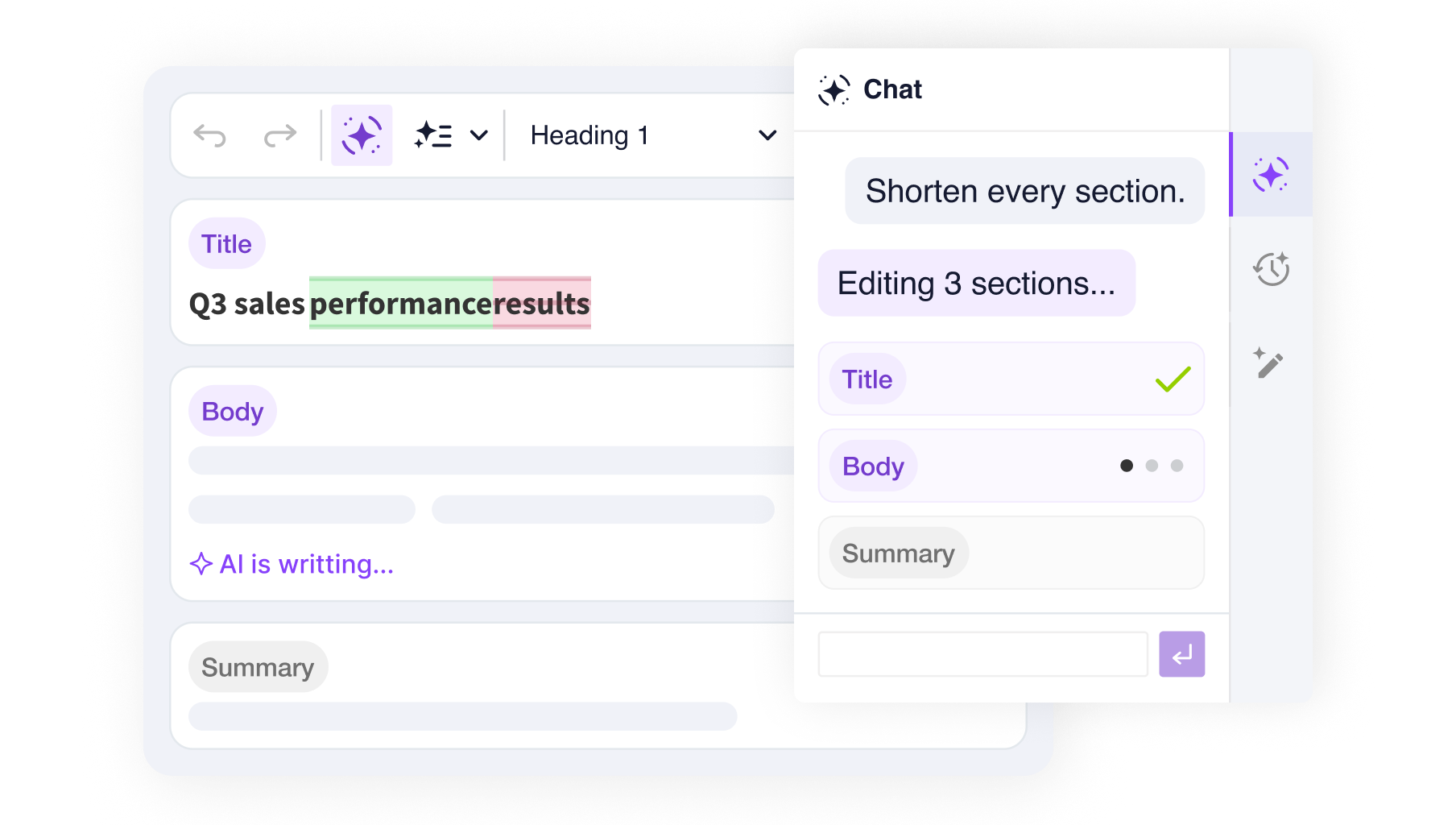
Not every application calls for a single text area. CKEditor supports two approaches for building complex multi-field layouts: multi-root (multiple editable areas sharing one editor instance) and multi-instance (fully independent editors on the same page). Explore the demos below to find the setup that fits your content architecture.
A single multi-root editor splits this article into separate document sections – a title, a subtitle, an introduction, and the body. AI Chat, Review, and Translate read every section and send each edit to the correct root, with no bleeding across boundaries. To see how it works, read the multi-root support docs.
These are independent editors sharing a single Context, so one Chat, Review, and Translate panel spans all of them. Each editor is configured with a different set of features, and the AI works within whatever each one allows – it can only add a table where tables exist. To see how it works, read the multi-editor support docs.
This demo contains just a small subset of available CKEditor features. You are free to add more features to CKEditor regardless what editor type/toolbar you choose.
Read more about the multi-root editor in the editor types documentation.
Read more about the AI capabilities in the documentation.