Installation
The CKBox Uploader Widget is distributed as an npm package or as a package served from CDN.
To install CKBox Uploader Widget as an NPM dependency, run:
npm install @ckbox/uploaderyarn add @ckbox/uploaderpnpm add @ckbox/uploaderTo start using Uploader Widget on your website, embed the following <script> tag in the HTML of the page:
<script src="https://cdn.ckbox.io/uploader/2.14.0/ckboxWidget.js"></script>Quick implementation example:
<!DOCTYPE html>
<html>
	<head>
		<meta charset="UTF-8" />
		<script src="https://cdn.ckbox.io/uploader/2.14.0/ckboxWidget.js"></script>
	</head>
	<body>
		<div id="uploader"></div>
		<script>
			CKBoxWidget.mountUploaderWidget(document.getElementById('uploader'), {
				tokenUrl: 'https://your-token-endpoint.url',
				workspaceId: 'your-workspace-id',
			});
		</script>
	</body>
</html>Once you install CKBox Uploader Widget, you can instantiate it in your code as shown below.
import { mountUploaderWidget } from '@ckbox/uploader';
import '@ckbox/uploader/dist/styles/ckbox.css';

const { unmount } = mountUploaderWidget(document.querySelector('#ckbox'), {
	workspaceId: 'your-workspace-id',
	tokenUrl: 'https://your-token-endpoint.url',
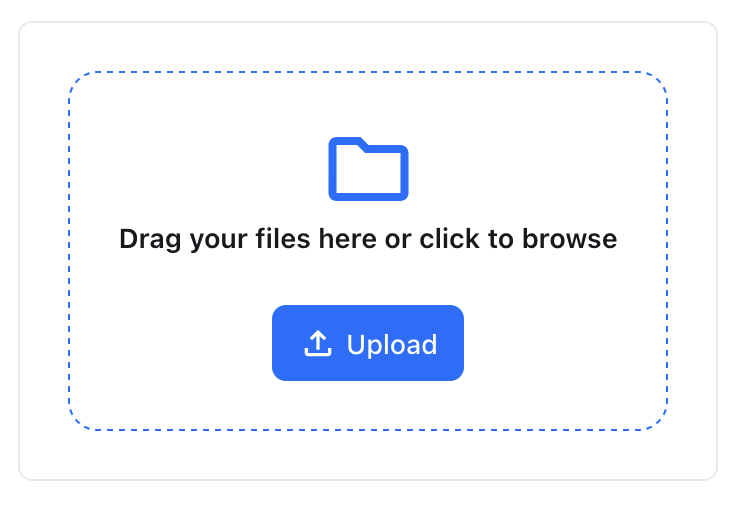
});
If you would like to use CKBox Uploader Widget in a React application, you can use the CKBoxWidget React component directly. It is exported by the @ckbox/uploader package.
Shown below is the content of an example React component file:
import * as React from "react";
import { CKBoxWidget } from '@ckbox/core';
import '@ckbox/uploader/dist/styles/ckbox.css';


function App() {
	return (
		<CKBoxWidget
			workspaceId="your-workspace-id"
			tokenUrl="https://your-token-endpoint.url"
		/>
	);
}

export default App;See the list of the supported configuration options that will help you configure the component.